Webflow + Shopify: The Ultimate Guide to Getting the Best of Both Worlds
![A dark, tech-minimalist thumbnail background featuring a central glowing node with an asterisk inside brackets [*]. This central icon connects the green Shopify logo on the left to a blue circular logo with a stylized 'YW' symbol on the right, illustrating a digital integration workflow against a backdrop of subtle circuit lines.](https://cdn.prod.website-files.com/610fa4f1a5b8290ba102d16b/69786ea6bb4c26644d2f14ec_Shopyflow.jpg)
In the world of e-commerce, a dilemma often persists: should we give priority to the total creative freedom of a tool like Webflow, or the logistical and transactional power of Shopify ? For a long time, brands had to choose. But in 2025, this compromise no longer exists thanks to the "Headless" architecture.
This approach makes it possible to merge the two platforms: you keep Shopify as the management engine (back-end) while using Webflow to create a tailor-made visual experience (front-end).
Why is this solution becoming the norm for ambitious brands? How does syncing work? How much does it really cost? Here's everything you need to know.
The concept: A Webflow Front-End on a Shopify Back-End
The idea is simple but revolutionary: we are not replacing Shopify, we are multiplying it tenfold. Concretely, all "business" management remains on Shopify: inventory, variants, payment gateways, order management and data analysis. This is where Shopify excels and remains the global reference.
On the other hand, the entire "visual" part (the site that the customer sees) is built on Webflow. No more rigid templates and complex Liquid code. You build interfaces to the pixel, with smooth animations and a "Client-First" structure, with no design limits.
How does the connection work?
In practice, Shopify remains the e-commerce engine: product management, variants, inventory, payments, taxes and orders. Webflow becomes the visual layer. With tools like storesynk.com., Shopify products are automatically synced into Webflow CMS collections. Each product becomes a CMS item with dynamic fields for pricing, images, options and SEO metadata, while Shopify still handles all transactional logic during checkout.
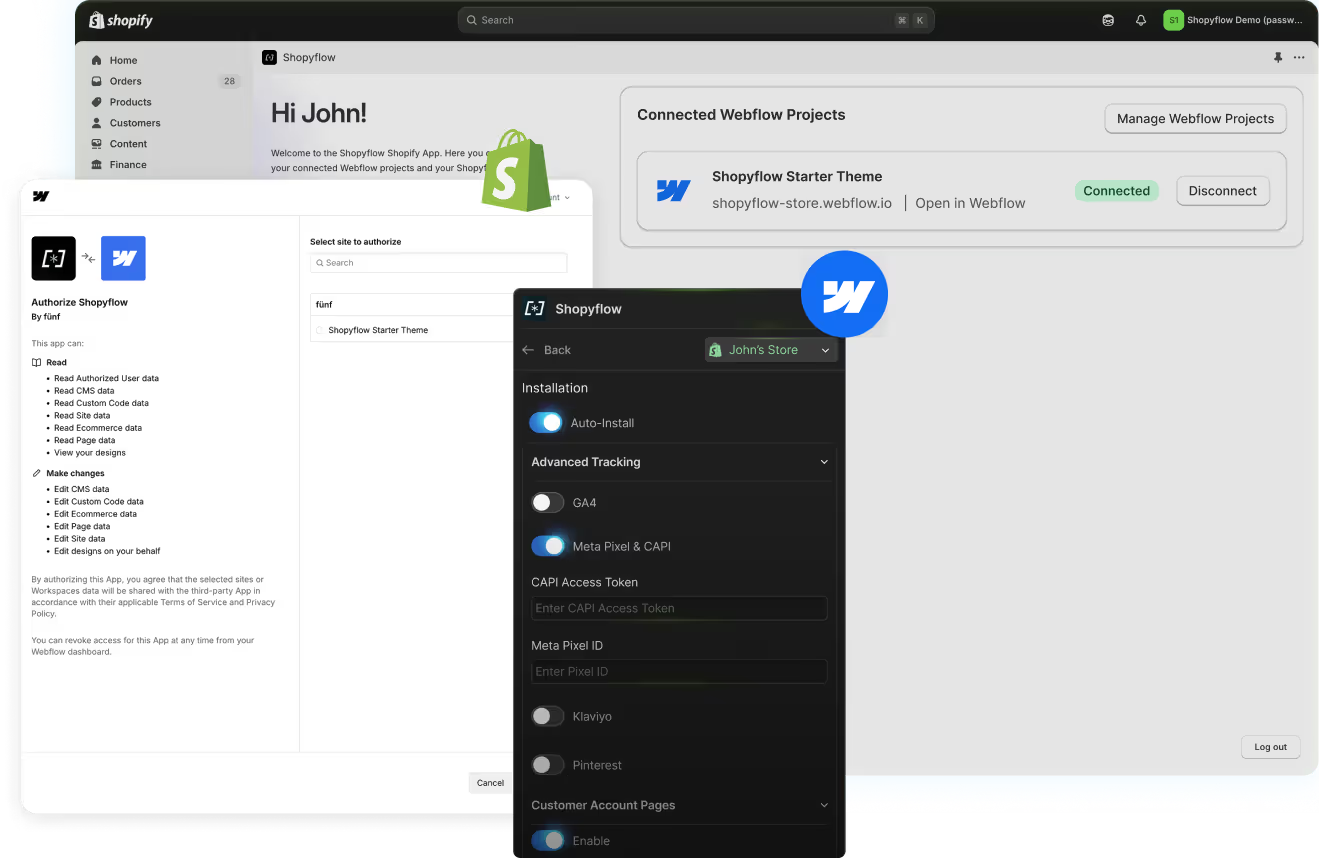
1. Real-time sync: Products, prices, images and stocks are automatically sent to Webflow's CMS collections.
2. Static pages & SEO: Webflow generates static pages based on this data. Result: instant loading and natural referencing (SEO) much better than Javascript-heavy Shopify themes.
3. Secure Checkout: The customer navigates Webflow, but when they pay, they are redirected to Shopify's secure checkout.
UX and Components: Personalizing the Shopping Experience
One of the major advantages of this architecture is the possibility of fully customizing the user experience (UX). Where a Shopify theme blocks you, Webflow allows you to innovate.
Thanks to component libraries (such as those of Relume or native application components), you can quickly integrate advanced features without coding:
• Custom baskets: Slide-over cards, modal or integrated baskets.
• Sales strategies: Upsells, cross-sells and bundles (grouped offers) directly in the product sheet or basket.
• Predictive search bars and filters: For smooth navigation within the catalog.
What problems this architecture actually solves
This architecture addresses common challenges faced by growing brands. Shopify themes often limit creative freedom and require heavy development to achieve custom layouts. On the other hand, Webflow's native e-commerce features remain limited for advanced needs such as complex variants, multi-currency, subscriptions or advanced customer accounts. By combining Webflow and Shopify, brands can deliver a premium experience without sacrificing performance or scalability.
Concrete use cases for brands
This setup is particularly well-suited for several use cases: premium brands seeking strong visual differentiation, complex products with multiple variants, content-driven and SEO-focused strategies (editorial pages, buying guides, landing pages), and international projects requiring advanced market and currency management. In these scenarios, a purely Shopify or purely Webflow solution quickly reaches its limits.

The Walrus Case: An Uncompromising Need for Design
It is precisely to meet this quality requirement that we are currently deploying this architecture for the brand Walrus. Their products required a very strong visual universe and an immersive user experience that traditional templates could not offer without heavy developments. By switching to a Webflow + Shopify stack, Walrus benefits from a unique and premium brand identity, while maintaining the robustness of Shopify to manage their order flows with confidence. (E-commerce Integration is still in progress)
The Alternatives: Storesynk vs Smootify
While Storesynk is a solid reference for CMS synchronization and the use of Relume components, another serious alternative exists: Smootify.
The choice between the two often depends on specific needs:
• Storesynk is acclaimed for its simplicity, its fast native synchronization and its transparent price model including all functionalities.
• Smootify is distinguished by highly requested "ready-to-use" functionalities such as the Wishlist, the Store Locator or the advanced management of customer accounts and orders placed. Smootify also offers a comprehensive "Starter Project" to get started quickly.
How much does it cost? Real price analysis
Opting for the "best of both worlds" involves combining several subscriptions. Here is a realistic estimate for a professional structure:
1. Shopify (Basic Plan) : $25/month (required for the e-commerce engine).
2. Webflow (CMS plan) : $23/month (required to host the site and the CMS).
3. The App (Storesynk) : $49/month (to bridge the gap between the two).
Estimated monthly total: $97/month (Annual Payment).
Although this cost is higher monthly than a simple Shopify, it is paltry compared to the initial investment required to develop a custom Shopify theme (often between $10,000 and $50,000). It is a solution that allows you to have an "agency" quality site for a controlled operating cost.
Why be supported by an expert freelancer?
While the promise of "No-Code" is attractive, the implementation of a Headless architecture requires technical rigor. A Webflow freelance expert brings critical added value:
• Client-First Methodology: To ensure that the site is scalable and that the CSS classes are well named, facilitating future maintenance.
• Technical SEO Optimization: The connection between the two platforms must be perfect to avoid indexing errors or duplicate content.
• Advanced customization: Creating a unique visual identity and complex interactions (motion design) requires a designer's eye and technical expertise.
By combining Webflow and Shopify through a solution like Storesynk, brands gain a fast, scalable and fully custom e-commerce website. This approach enhances user experience, improves organic SEO performance and strengthens brand positioning, while relying on a proven e-commerce infrastructure. It is currently one of the most relevant solutions for ambitious brands looking to stand out sustainably online.
FAQ
How does the Webflow + Shopify headless architecture work?
The headless architecture separates the front-end (the visual interface) from the back-end (data management and transactions). In this setup, Shopify handles the product catalogue, stock, payments and orders. Webflow builds the visual interface, presentation pages and user experience. The two platforms communicate via Shopify's Storefront API, making it possible to display Shopify products inside a fully custom Webflow design.
What are the advantages of using Webflow as an e-commerce front-end over Shopify?
The Webflow + Shopify headless approach offers several advantages: total design freedom without the constraints of Shopify themes, premium animations and interactions that can't be achieved natively in Shopify, better performance (statically generated pages versus dynamic Liquid templates), more controllable SEO, and the ability to create rich editorial experiences around products.
What types of online stores is this architecture recommended for?
The Webflow + Shopify headless architecture is recommended for brands with high visual standards and a sufficient budget for bespoke development. It suits luxury, fashion and cosmetics brands particularly well, as well as D2C (Direct-to-Consumer) boutiques that want a consistent brand experience, and companies that already have Shopify running and want to upgrade their front-end without migrating their back-end.
Is native Webflow e-commerce a viable alternative to Shopify?
Webflow e-commerce can work well for small to medium-sized online stores with a limited catalogue. Its strengths are seamless integration with Webflow's design and simple management. Its limitations include fewer native features than Shopify (advanced inventory management, multi-currency, rich app ecosystem), and it's less suited to high order volumes or very large catalogues.
How much does it cost to build a Webflow + Shopify headless store?
Building a Webflow + Shopify headless integration is an advanced technical project requiring API, JavaScript and Webflow expertise. Development costs typically start at around €5,000 to €8,000 for a basic setup, and can exceed €15,000 to €30,000 for a store with a large catalogue, complex product pages and custom animations. Monthly subscription costs for both platforms add on top of that.